What is Make?
Make lets teams assemble workflows that pass information between applications. Begin with a reversible task, define what should happen when a step fails, and check operation usage before expanding to a critical process.
A practical evaluation: move a request into a review queue
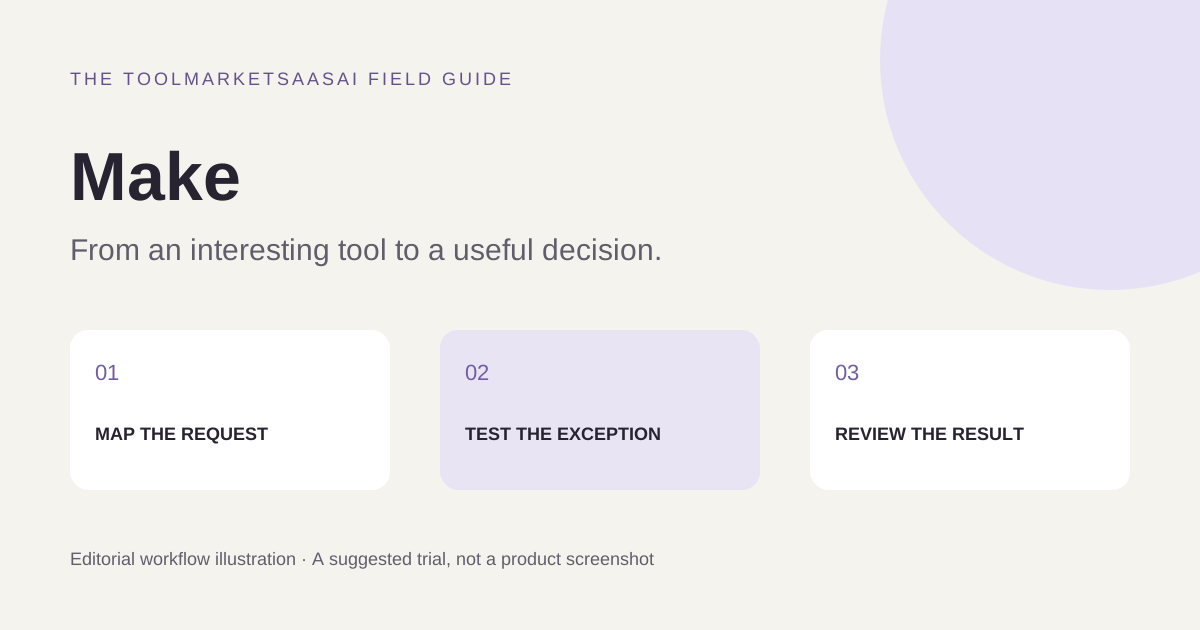
Choose a reversible process: a sample form submission becomes a row in a test spreadsheet and an internal review item. Use invented names and test records. Define the fields, the unique request ID, and the expected destination before connecting the steps.
Run three cases: a valid submission, the same submission twice, and one missing a required field. Record what happened at each step. This is a suggested evaluation plan; it does not report measured behavior or guarantee that a particular connector handles duplicates automatically.
Design for the exception before the happy path
Decide where duplicate detection belongs, whether an incomplete record should stop, and where a human will see an error. A retry is useful only when you know whether the earlier attempt already changed the destination. Store an external reference when the receiving application supports it, and inspect the final records rather than relying solely on a successful run indicator.
Then temporarily remove a test connection's access and repeat the run. Restore it and inspect recovery. Use test data and an isolated destination so an evaluation does not send customer messages or change a live business process.
Choosing a visual automation tool
A visual workflow can make branching and data mapping easier to discuss with colleagues. It does not remove the need for someone to own the process. Compare candidates on the exact trigger, available actions, data transformations, and failure visibility your workflow needs.
For a very short process supported by a single application's native integration, that built-in option may be easier to maintain. For unusual logic or deployment constraints, a small custom service may be worth comparing. These are selection tradeoffs, not a universal ranking of platforms.
Estimate usage from a real run
Inspect the current billing unit and plan limits on Make's pricing information. Measure what your sample run consumes, including branches, repeated items, retries, and any AI steps. Multiply that by realistic event volume and add an allowance for exceptions. Keep a documented owner, a pause procedure, and a way to reconcile incomplete records before expanding.
Features to explore
- App integrations
- Visual workflows
- Process automation
Who is Make for?
Operations teams coordinating work across multiple applications.
Before you get started
Verify integration support, execution limits, and error handling for your specific workflow.
This introduction is independently written from public product information. It is not a hands-on review. Features and plans may change; confirm current details with the provider.
Our editorial approach