What is Framer?
Framer combines a visual website workflow with publishing and AI-assisted design. Try it with a real landing-page brief and check how comfortably the result handles responsive layouts, content updates, and your publishing needs.
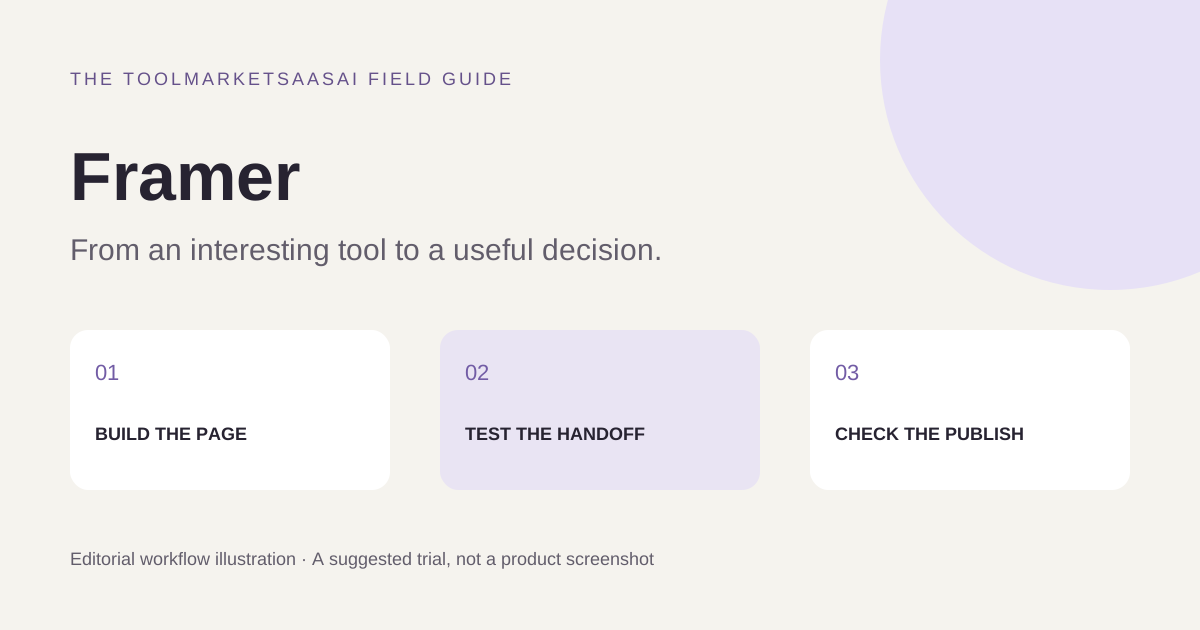
A practical evaluation: publish a small campaign page
Prepare a real brief with one audience, one action, approved copy, and three images you can use. Build a page with a clear headline, an explanation, a contact or signup path, and a footer. Evaluate the published result, not only the editing canvas.
Check a narrow phone screen, a medium viewport, and a desktop. Replace the sample headline with a longer one and add another content item. These small changes reveal whether a layout can handle routine updates without breaking. This is a suggested evaluation workflow, not a hands-on performance benchmark.
The handoff matters as much as the first design
Ask the person who will maintain the site to change a paragraph and replace an image. Observe what they need to understand before they can publish safely. If each minor update requires the original designer, include that dependence in the ongoing cost.
Check the form's final destination with a non-sensitive test message, the confirmation state, and the path a visitor can take if submission fails. A beautiful page still needs to complete its intended job.
Define the boundary of the website
A visual website builder is a relevant candidate for a design-led marketing site. If your project depends on complex account permissions, a transactional backend, or a specific deployment environment, document those requirements separately and verify the integrations before committing.
Compare the full publishing arrangement: hosting, custom domains, content management, redirects, analytics choices, and ownership of the finished assets. Do not assume that an editor's flexibility also establishes portability or support for every application feature.
A release checklist worth keeping
Inspect headings, meaningful image descriptions, keyboard navigation, visible focus, form labels, and text contrast. Check that page titles and descriptions describe the actual page. Test important links and an unknown URL. Use the published page in Google's performance tools and inspect the largest images before adding more visual effects.
Confirm current plan limits for the content, traffic, collaborators, and localization you expect. Record the renewal cost and how you would migrate or hand over the site. Choose on the basis of a maintainable published result, not just a polished first draft.
Features to explore
- Visual site building
- Publishing
- AI-assisted design
Who is Framer for?
Design-led teams building marketing and portfolio websites.
Before you get started
Confirm hosting, export, and plan limits before choosing it for a long-term site.
This introduction is independently written from public product information. It is not a hands-on review. Features and plans may change; confirm current details with the provider.
Our editorial approach
