What is Cursor?
Cursor brings AI-assisted development into a code editor. A useful evaluation starts with an existing repository and a bounded task, such as explaining a module or proposing a small change that can be reviewed and tested.
A practical evaluation: one change with a clear acceptance check
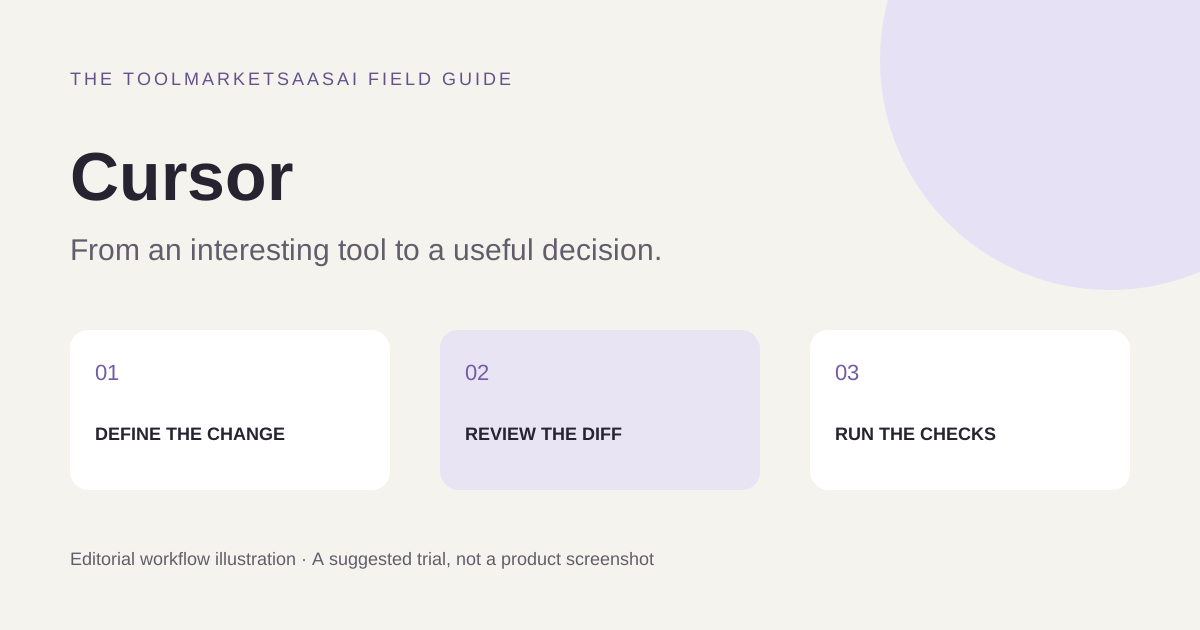
Use a small repository you are allowed to share with the selected service and create a clean branch. Pick a bounded task such as fixing a date-formatting bug. Write the expected behavior and a failing example before requesting a change.
Ask the assistant to explain the relevant code path, propose a minimal edit, and identify the checks it would run. Review the diff before executing unfamiliar commands. Run the project's meaningful checks and inspect unrelated changes. This is an evaluation procedure for readers, not a claim that we tested Cursor on this repository.
Look at the review cost
An assistant can produce a plausible patch faster than a developer can establish that it is correct. Record both times. Count unnecessary file changes, invented APIs, missed edge cases, and questions you had to clarify. A smaller change that is easy to understand can be more useful than an ambitious rewrite.
Repeat the task with your normal editing workflow. Use the same acceptance criteria, and include the time needed to undo or repair an unsuccessful suggestion. This avoids treating typing speed as engineering productivity.
When an editor-based workflow is worth exploring
Cursor is relevant to developers who want assistance close to project files and everyday editing. If the job is a one-off explanation of public sample code, a separate conversational tool may be enough. If it involves changes across an existing project, repository context and review ergonomics become more important selection criteria.
Boundaries to check before adoption
Read the current privacy, data-handling, model, and usage settings before opening a private repository. Check which actions require approval and how terminal commands, external tools, or connected services are controlled. Product behavior can depend on the chosen settings and version.
For budgeting, check the current plan and included usage rather than assuming every model or agent run costs the same. Keep credentials out of prompts and sample projects. A successful trial should leave a reproducible patch and a reviewable test result, not just an encouraging chat response.
Features to explore
- Code assistance
- Editor workflow
- Repository context
Who is Cursor for?
Developers who want AI assistance inside their editing workflow.
Before you get started
Review generated changes, run tests, and check repository privacy settings.
This introduction is independently written from public product information. It is not a hands-on review. Features and plans may change; confirm current details with the provider.
Our editorial approach